Left Hand
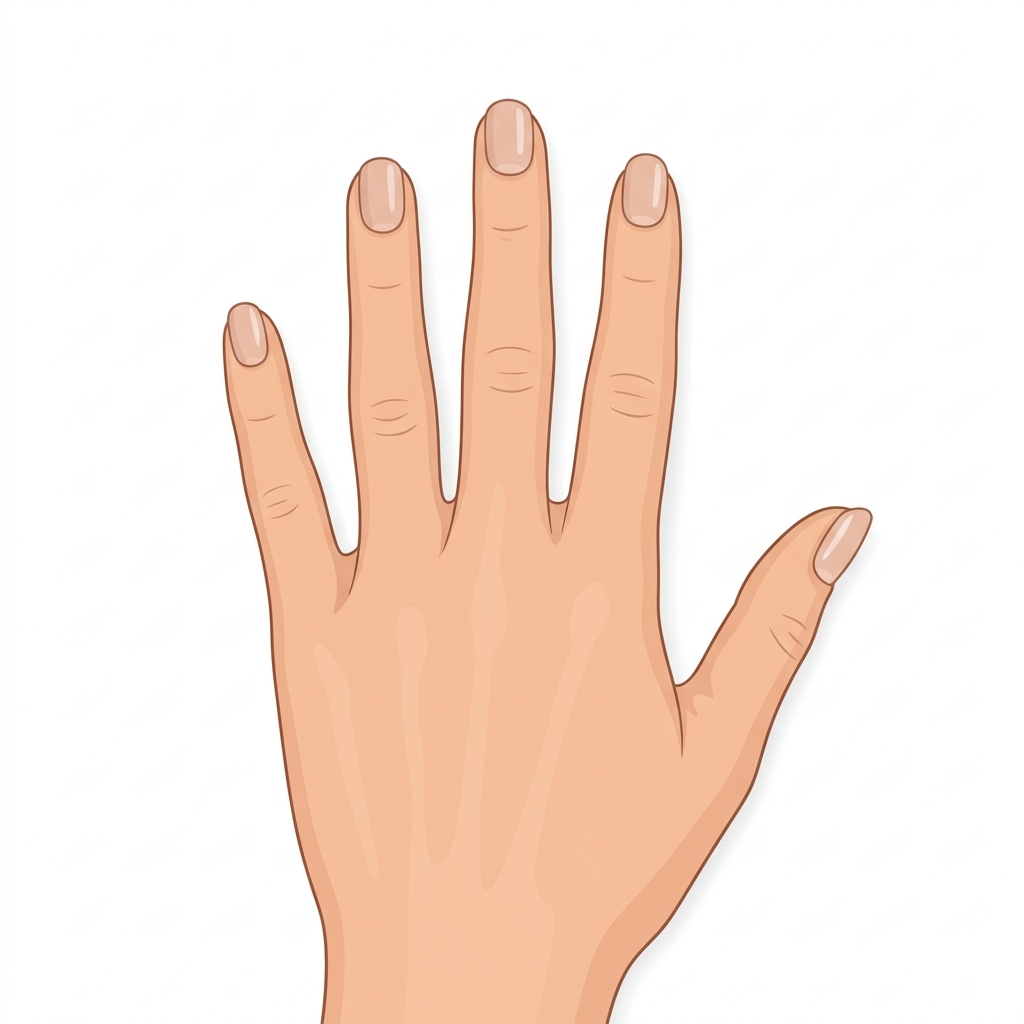
No designs selected yet
Right Hand
No designs selected yet
Click any numbered button on the hand, or use the finger buttons below. Pick a gallery design or upload your own photo for each nail.
We use these photos to prepare the correct nail tip sizes for your fingers. Please follow the steps below.
Place your hand on a clean white or light-coloured surface. Spread all five fingers naturally and relax your hand completely.
Hold your phone or camera directly above your hand and point the lens straight down. All 5 fingers must be fully visible in the frame.
Use bright natural daylight where possible. Avoid shadows across your fingers. Ensure the photo is sharp and in focus before uploading.
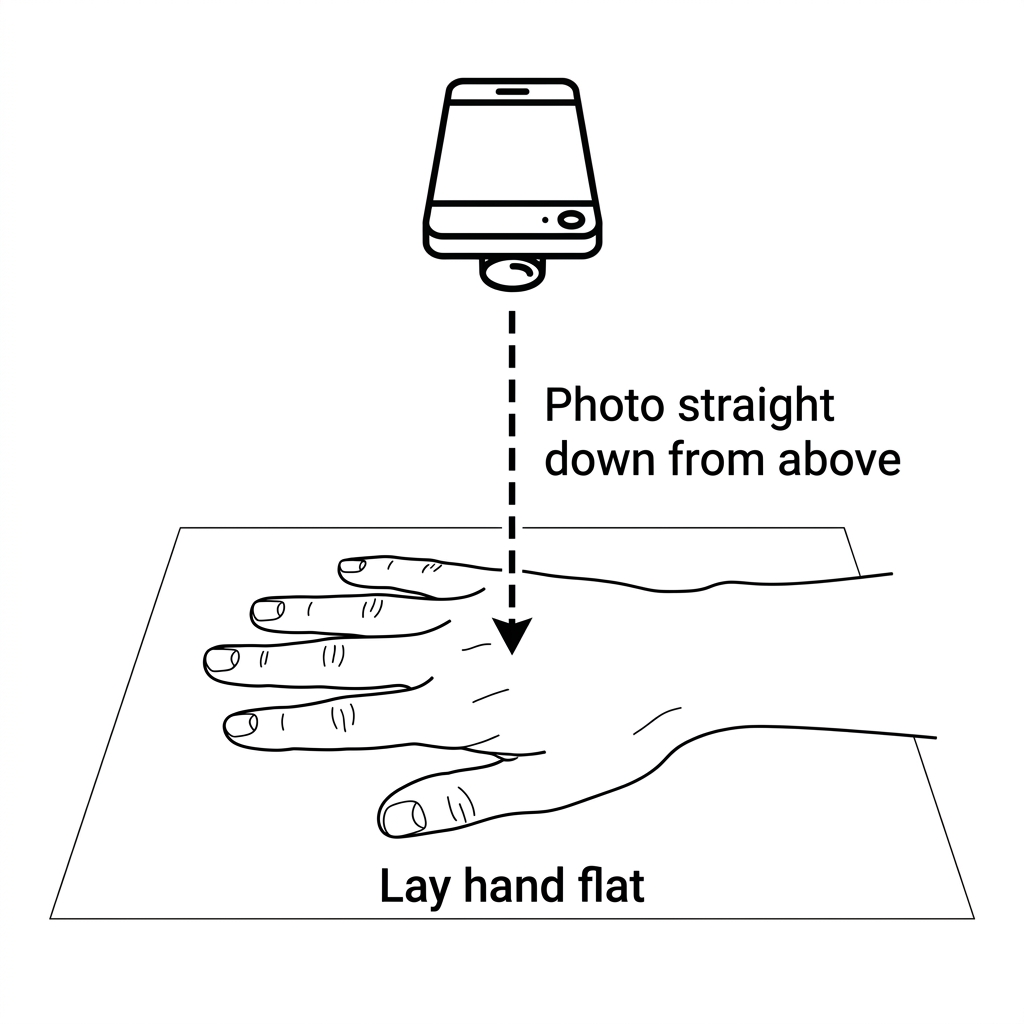
Example: phone held directly above, hand flat on surface
We will contact you within 24 hours to confirm your appointment and send payment instructions.
Select design for
Upload Custom Design
Any custom nail art, photo, pattern, or graphic
Or choose a preset style
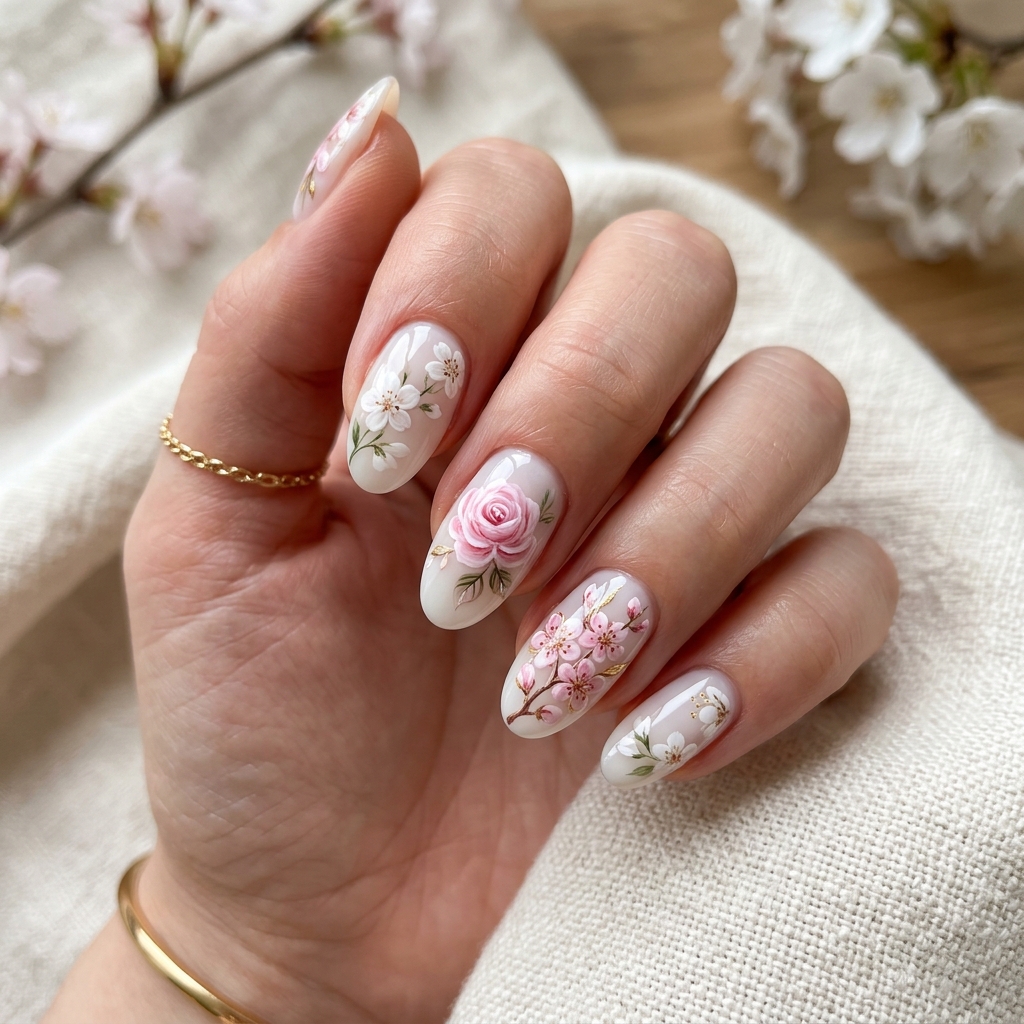
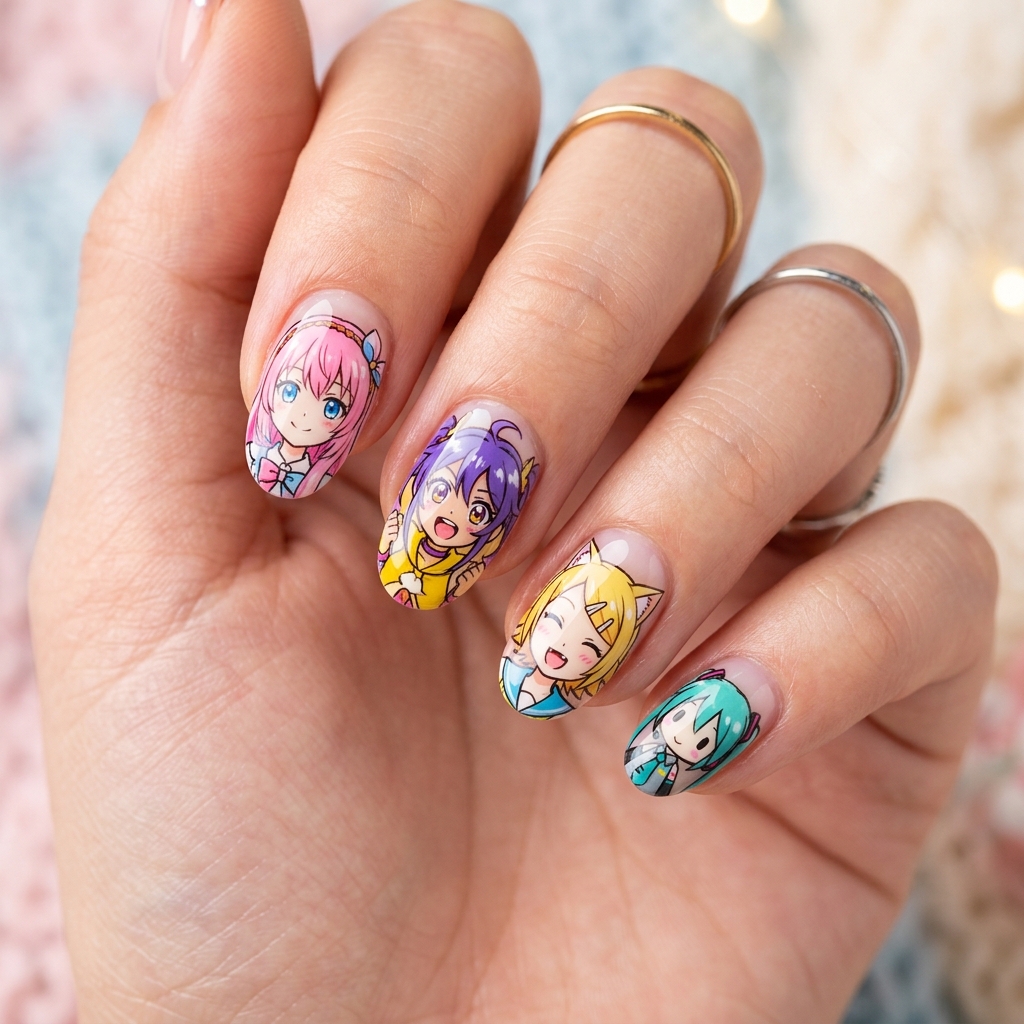
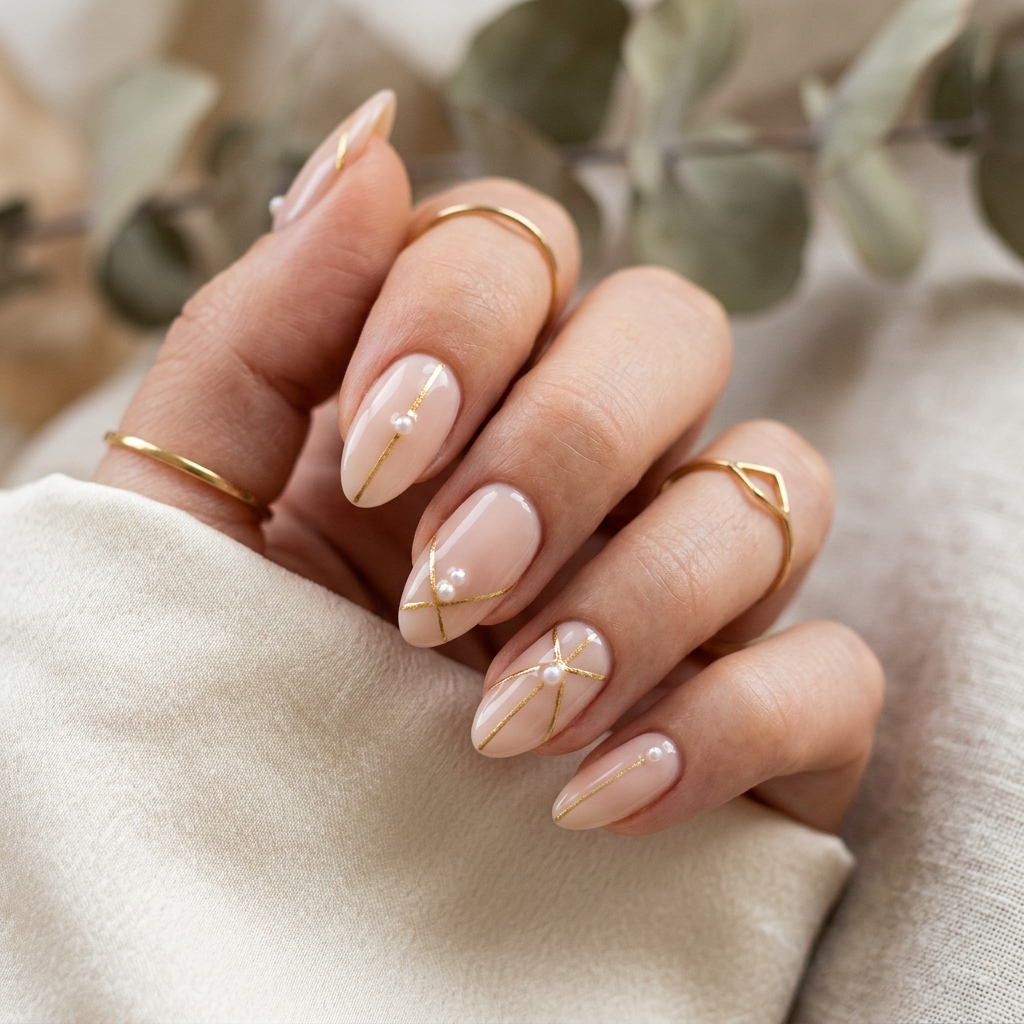
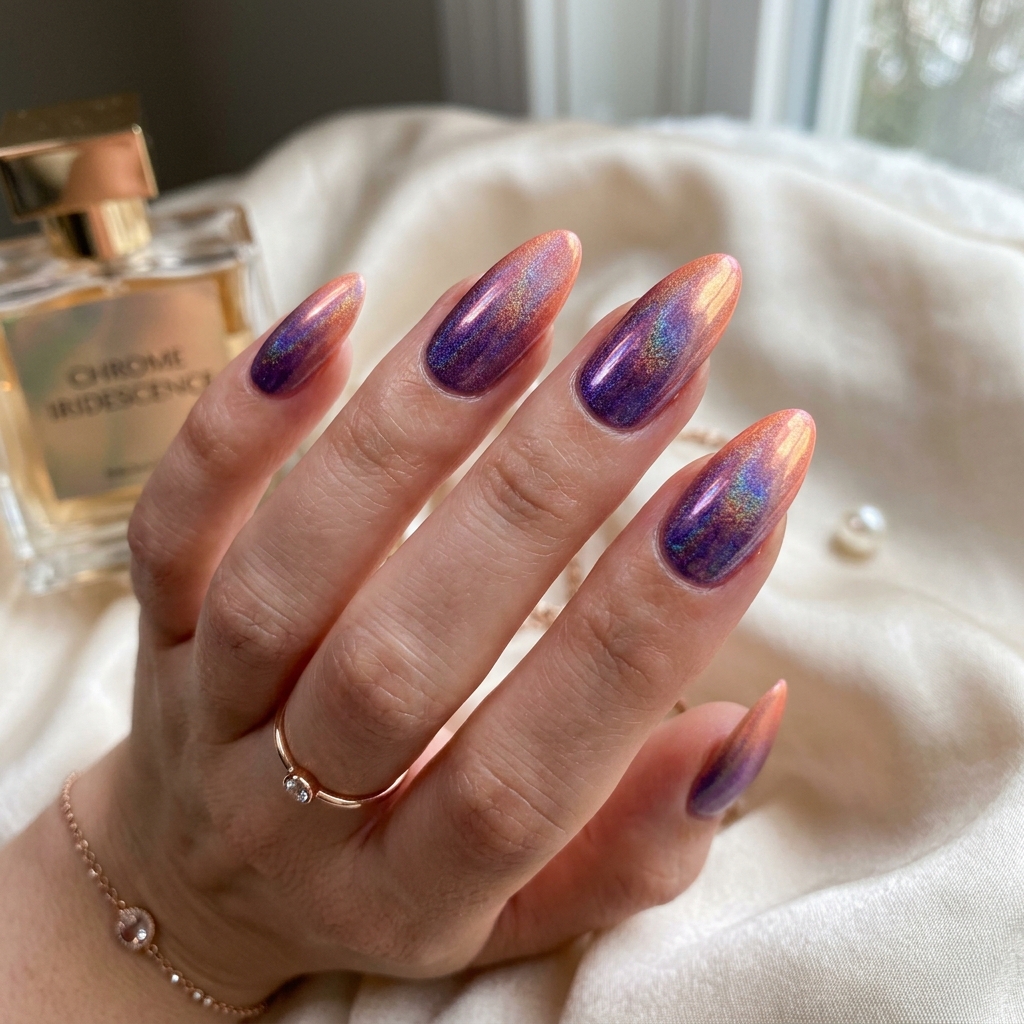
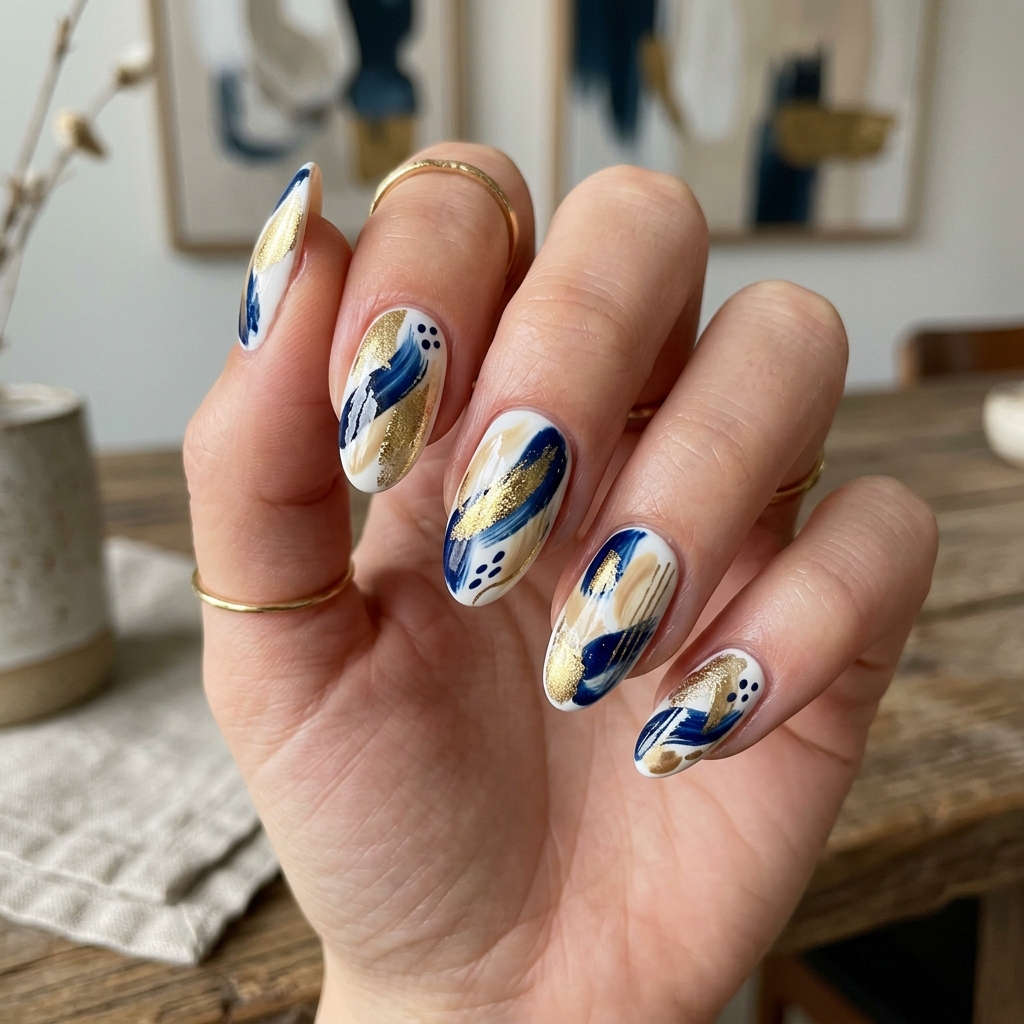
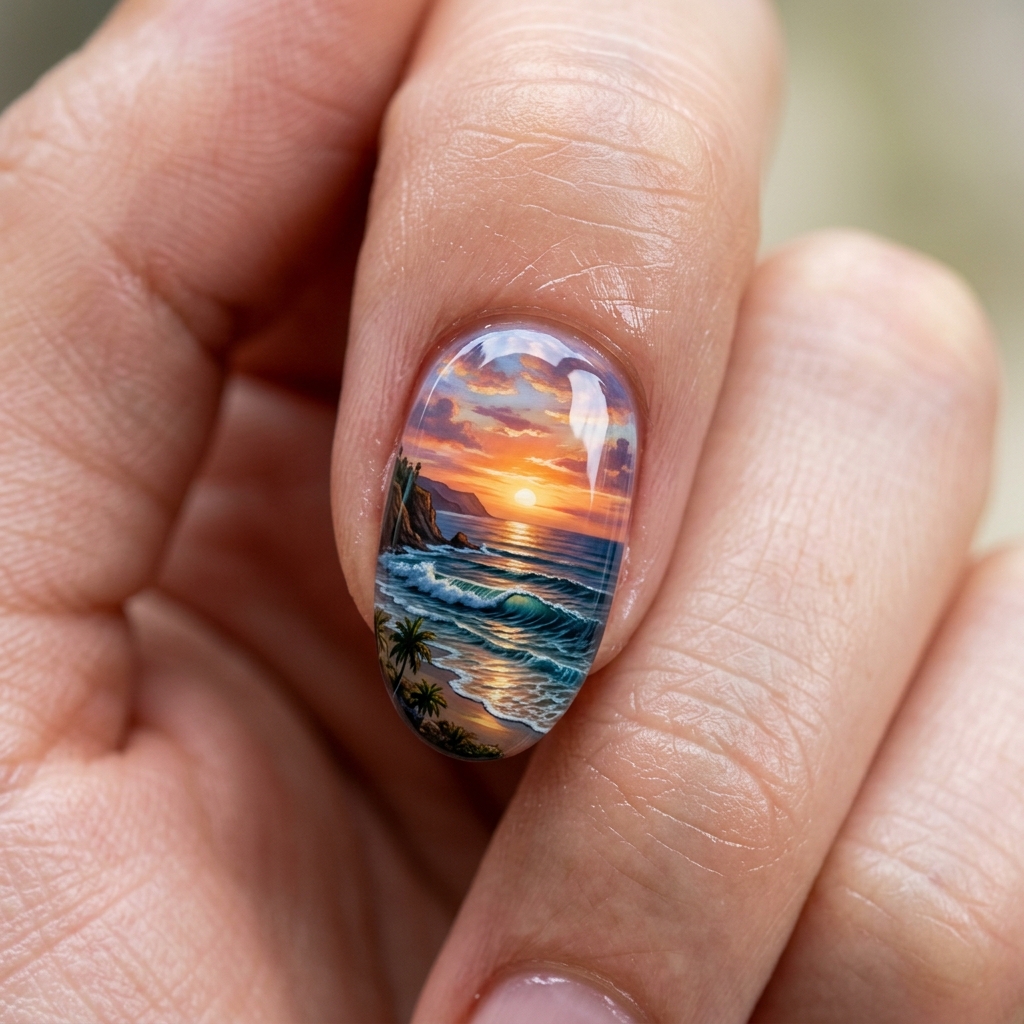
Or choose from our live gallery